TL;DR
-
AI is almost always "relevant" — but only pays off where work is repeatable and well-understood.
-
The biggest wins are in boring, manual tasks: copy-paste, retyping, status updates, triage, basic research.
-
You don't need a data science team, but you do need clear workflows and digital data (emails, CRM, docs).
-
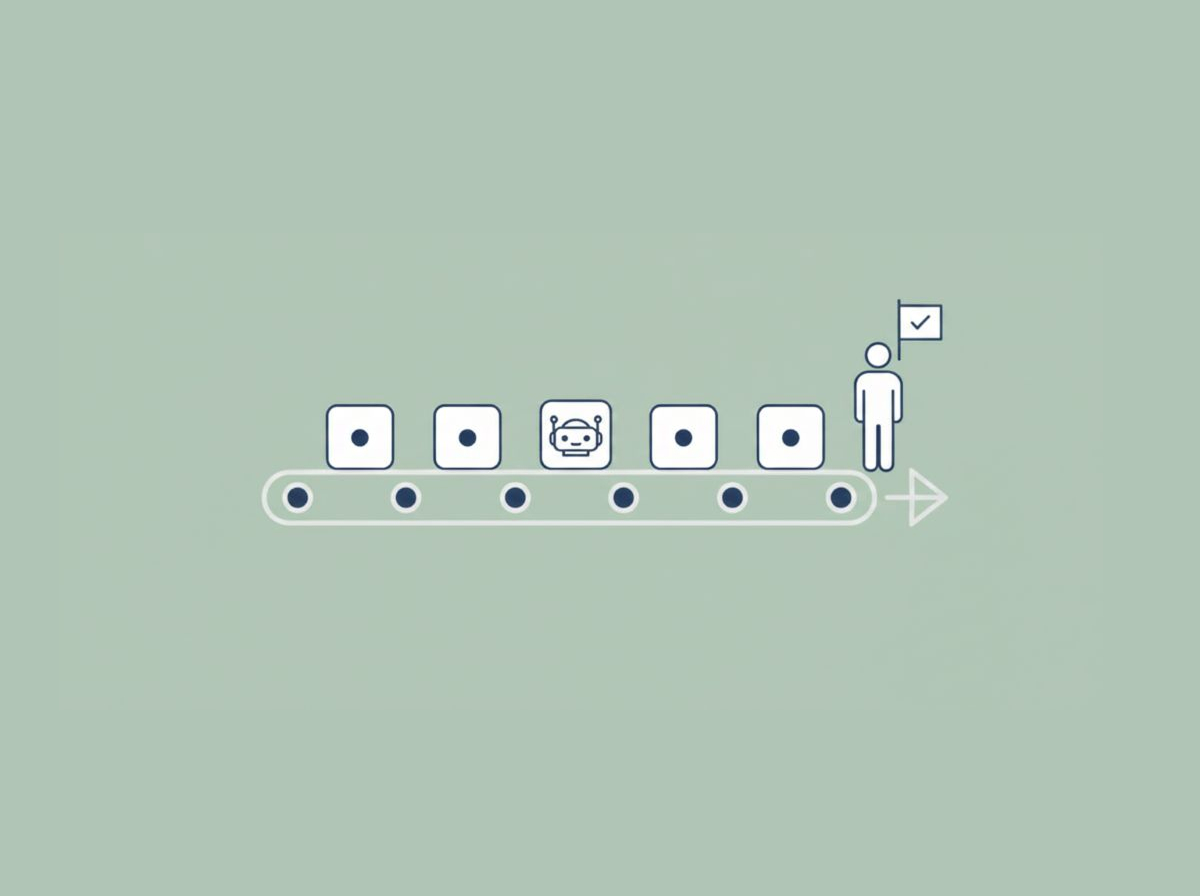
AI should augment, not replace, your people — humans keep control and judgment; AI does the grunt work.
-
This week: map one workflow that touches revenue and circle 3 steps where people do repetitive work. That's your AI entry point.
You're asking the wrong question
Most SMB leaders ask:
"Is AI even relevant for a business like mine?"
From the research side, the answer is basically: yes, for almost everyone.
-
McKinsey estimates that around 50% of all work activities could already be automated with existing technology, and about 60% of occupations have at least 30% of their tasks that are automatable. McKinsey & Company+1
-
Newer analyses suggest AI "agents and robots" could technically perform 60–70% of today's global work hours, but people remain indispensable for judgment, relationships, and complex work. McKinsey & Company
So the better question for SMBs isn't "Is AI relevant?"
It's:
"Where in my existing workflows does AI help us make or save money, reduce risk, or save time?"
If you don't tie AI to specific workflows, you risk what HBR calls "AI workslop" — low-quality, AI-generated output that creates more work instead of less. Harvard Business Review+1
Where AI actually fits: tasks inside workflows
AI doesn't magically "transform your business."
It picks up specific tasks inside the work you already do.
Research and real-world case studies show AI is strongest when:
-
The task is repetitive and rules-based (same steps, over and over).
-
The inputs and outputs are digital (emails, CRM records, web pages, documents).
-
The task consumes a lot of time, but not a lot of deep judgment.
Think about work in your company like this:
-
Revenue-linked tasks
-
Responding to new leads.
-
Sending follow-up emails.
-
Creating quotes and basic proposals from templates.
-
-
Operational tasks
-
Copying data between systems.
-
Creating status reports.
-
Summarizing meeting notes or long email threads.
-
-
Risk & quality tasks
-
Checking for missing fields or obvious mistakes.
-
Flagging exceptions for a human to review.
-
AI is already being used to automate or assist in these kinds of steps, so humans can spend more time on:
-
Selling and negotiating.
-
Handling edge cases and complex decisions.
-
Building relationships and trust.
Studies from MIT Sloan and others show that human–AI teams work best when each does what it's good at: AI supports structured, content-heavy and repetitive tasks; humans own judgment, nuance, and accountability. MIT Sloan
The simple test: Workflow → Repetition → Governance
Here's a straightforward way to decide if AI is relevant for your business — without a single line of code.
Step 1: Pick one concrete workflow
Choose one workflow that touches revenue or customers, for example:
-
Lead comes in from the website.
-
Customer emails support with an issue.
-
Distributor asks for an updated price list.
Write it out in 5–7 simple steps, e.g.:
-
Lead submits a "Contact Us" form.
-
Someone gets an email notification.
-
Sales rep reads it and looks up the company.
-
Sales rep sends a response.
-
If they don't reply, we (maybe) follow up.
This alone is valuable. Most SMBs never make their workflows explicit — which makes AI (or any change) guesswork.
Step 2: Circle the repetitive, manual steps
Now look at each step and ask:
-
Where do people copy-paste the same kind of information?
-
Where are we retyping things between systems?
-
Where do we send slightly different versions of the same email?
Typical examples:
-
Checking the CRM and website for basic customer info.
-
Writing "thanks for reaching out" emails again and again.
-
Manually updating a spreadsheet or CRM field after every interaction.
This is exactly the type of work research on workflow automation highlights: repetitive and mundane tasks that can be offloaded to AI so humans focus on higher-value work. SuperAGI
Those circled steps are your AI candidates.
Step 3: Add human governance instead of full automation
For each circled step, ask three questions:
-
Can AI draft instead of decide?
-
Draft the email, you approve and send.
-
Draft the quote, you adjust pricing if needed.
-
-
Can AI summarize and route instead of act?
-
Summarize a customer email and suggest: "This looks like a high-priority churn risk. Assign to [Name]?"
-
Group incoming inquiries into buckets (new lead, support, billing) for humans to handle.
-
-
Where must a human always say "yes/no"?
-
Discounts or custom pricing.
-
Legal or compliance commitments.
-
Handling angry or sensitive customer situations.
-
This "AI drafts / routes, humans approve" approach:
-
Protects revenue (humans still control pricing and offers).
-
Reduces risk (AI doesn't get the final say on sensitive issues).
-
Saves time (you're reacting to suggested actions, not starting from scratch).
-
Controls complexity (you improve one workflow at a time, not your whole business at once).
Examples for typical SMBs
To make this more concrete, here's what this can look like in practice.
Professional services (consulting, legal, accounting, agencies)
-
Workflow: inbound inquiry → intro call → proposal → onboarding.
-
AI candidates:
-
Auto-acknowledgment email that feels human and references the right service line.
-
Pre-call brief: AI pulls key info from the website, LinkedIn, and past emails.
-
Drafting a proposal from your existing template based on call notes.
-
Summarizing call recordings into bullet-point actions.
-
Impact:
-
Revenue: faster response and proposal turnaround → higher close rates.
-
Time: hours saved per week on prep and documentation.
-
Risk: more consistent documentation and follow-up, fewer dropped leads.
Wholesale / B2B e-commerce
-
Workflow: quote requests → stock checks → negotiation → order changes.
-
AI candidates:
-
Responding immediately with baseline info (availability, standard pricing ranges).
-
Pulling stock data and previous order history into a quick summary for your sales rep.
-
Drafting quote emails and follow-up reminders based on your rules.
-
Impact:
-
Revenue: fewer missed opportunities when reps are busy.
-
Time: less manual lookups and typing.
-
Complexity: one AI-assisted workflow instead of dozens of scattered "manual hacks."
One thing you can do this week (and what to do next)
Here's a 30-minute exercise you can do with your ops, sales, or service lead:
-
Pick one workflow that clearly connects to money (new business, renewals, collections, upsell).
-
Write down 5–7 steps on a whiteboard or shared doc.
-
Circle every step where:
-
People repeat the same type of action.
-
Information lives in email, CRM, spreadsheets, or tickets.
-
-
Mark each circled step with:
-
A – AI could draft / summarize / route here.
-
H – Human must approve / decide here.
-
You've just:
-
Found where AI is actually relevant in your business.
-
Reduced the risk of "AI theater" — cool demos that never reach production.
-
Created a simple, tangible brief for any vendor or internal initiative.
If you'd like a low-commitment next step, a helpful option is:
Have someone experienced in AI look at that one workflow and tell you:
Where AI makes business sense now.
What data or tools you're missing.
What a small, low-risk pilot could look like.
No need to "transform the business."
Just start with one workflow, one or two repetitive steps, and keep humans in charge. That's where AI becomes genuinely relevant — and measurable — for SMBs.